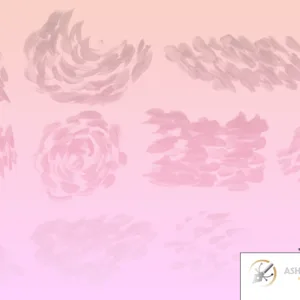
Watercolor, Brush Stroke Art Photoshop Brushes

Photoshop brushes can add or take away from your art if you are using layer masks. OR you can use the photoshop brushes to draw or illustrate your art. Install the .abr files to your Photoshop library and you can create as many effects as you would like. Our Photoshop brushes are high resolution and high quality.

Below are some of the programs that can open and use our .abr Photoshop brush files.

  • GIMP (Mac, Windows, Linux) – free, open‑source; place .abr in the brushes directory or import via the Brushes panel.
  • Affinity Photo (Mac, Windows, iPad) – supports .abr import and is forever free to use.
  • Corel PaintShop Pro (Windows only).
  • Krita (Mac, Windows, Linux) – free, open‑source.
  • Clip Studio Paint – supports .abr import
  • Procreate (iPad) – supports .abr brushes

$ 4.99

Share

Description

Photoshop brushes can add or take away from your art if you are using layer masks. OR you can use the photoshop brushes to draw or illustrate your art. Install the .abr files to your Photoshop library and you can create as many effects as you would like. Our Photoshop brushes are high resolution and high quality.

Below are some of the programs that can open and use our .abr Photoshop brush files.

  • GIMP (Mac, Windows, Linux) – free, open‑source; place .abr in the brushes directory or import via the Brushes panel.
  • Affinity Photo (Mac, Windows, iPad) – supports .abr import and is forever free to use.
  • Corel PaintShop Pro (Windows only).
  • Krita (Mac, Windows, Linux) – free, open‑source.
  • Clip Studio Paint – supports .abr import
  • Procreate (iPad) – supports .abr brushes
Reviews

There are no reviews yet.

Be the first to review “Watercolor, Brush Stroke Art Photoshop Brushes”

Your email address will not be published. Required fields are marked *